
Guide / Secure data deletion
Does emptying the Recycle Bin permanently delete files?
Not always. Windows stops showing the file and may release its storage space, but some data can remain until it is overwritten or handled by flash-memory mechanisms.
Short answer: emptying the Recycle Bin completes ordinary deletion in Windows, but it is not verified data sanitization.
What does the Windows Recycle Bin actually do?
When you press Delete, a file will usually move to the Recycle Bin. At that point it can still be restored. Emptying the Recycle Bin removes this convenient recovery path and marks the space occupied by the file as available for new data.
That does not mean Windows immediately writes zeros to every location that held the file. Until the relevant areas are reused, recovery software may sometimes find all or part of the data. The outcome depends on the storage type, elapsed time, system activity and whether TRIM was active.
If the file was sensitive, avoid writing random data to the drive simply to “test” it. Further activity changes the state of the device and can make a deliberate assessment more difficult.
HDDs, SSDs and NVMe drives behave differently
Hard disk drives
On a magnetic hard drive, software can overwrite the logical sectors previously occupied by a file. Correctly performed overwriting substantially limits recovery using software methods. Modern guidance is not about running the highest possible number of passes: the appropriate method, successful execution and verification matter more.
SSDs and NVMe storage
Flash storage uses a controller, block mapping, wear levelling and spare areas. Writing to the same logical address does not necessarily write to the same physical cell. TRIM tells the device that selected blocks are no longer needed, but the controller decides when and how those cells are physically cleared.
For that reason, a single file on an SSD should not be described as though repeated overwriting provided the same measurable guarantee as it can on an HDD. When retiring an entire device, hardware-supported sanitize operations or cryptographic erasure can be more suitable, provided the hardware and prior configuration genuinely support them.
When is ordinary deletion enough?
- Everyday cleanup: the Recycle Bin is convenient when you are not protecting the data from deliberate recovery.
- A sensitive individual file: use a controlled process appropriate for the storage type and verify the outcome.
- Selling or transferring a drive: use a whole-device sanitization procedure rather than deleting selected files only.
- Synchronized data: also review cloud copies, version history, backups, thumbnails and system snapshots.
What should secure deletion software do?
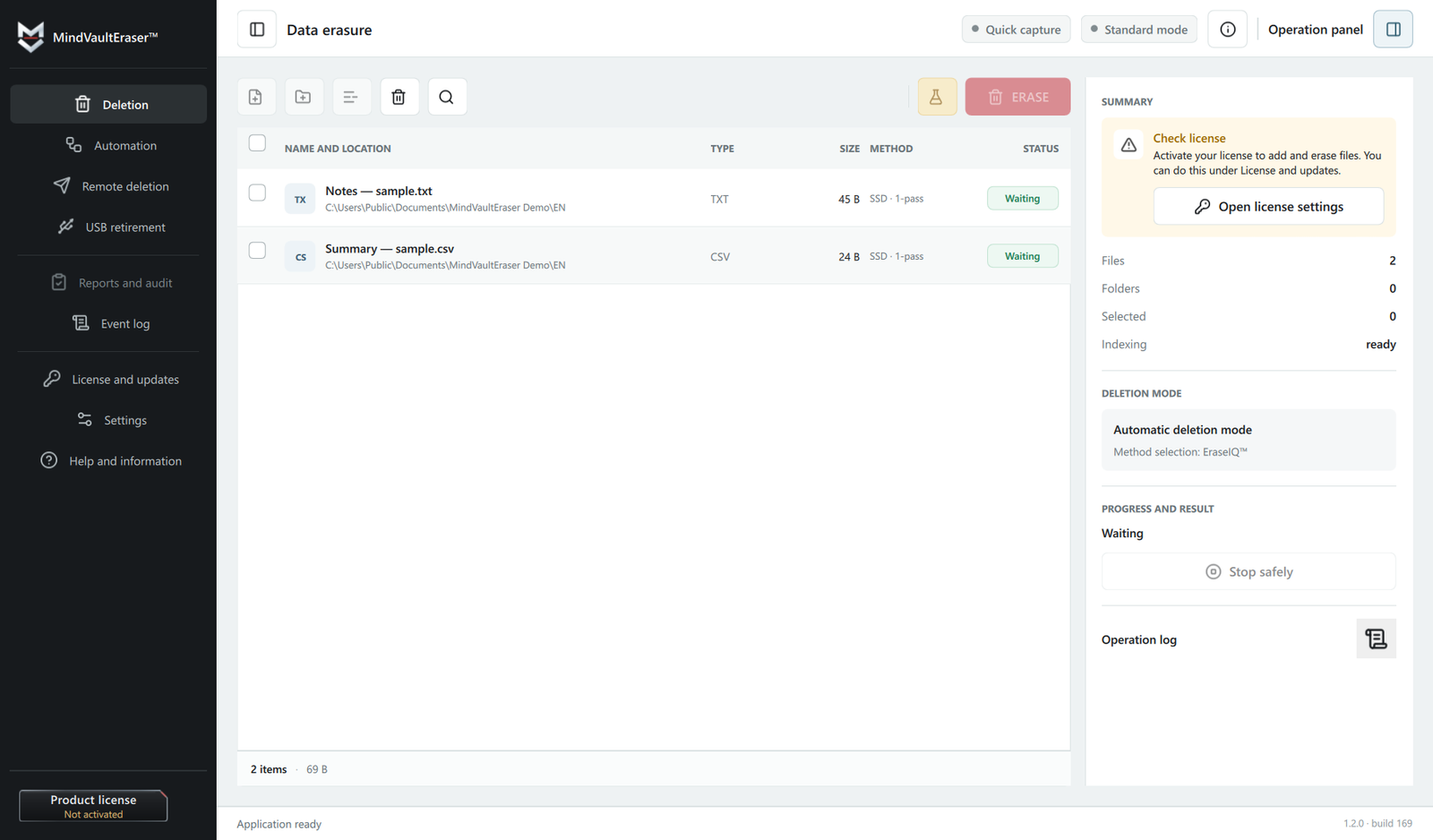
A reliable workflow should be more than a single “delete” button. It should identify the storage type, choose an appropriate method, handle interruption or failure and explain what was actually completed. A report cannot change the physical behaviour of a device, but it can distinguish a confirmed operation from an assumption that everything worked.
We are building MindVaultEraser™ around that workflow: Quick Capture, an EraseIQ™ plan, local execution and EraseIQ™ Chain of Custody records in both editions, with a deletion report in Pro. The application does not promise “100% on every device”, because the result also depends on the storage hardware.
What is easy to overlook?
Deleting the original file does not automatically delete its other copies. Data may remain in a synchronization service, backup, document version history, email attachment, system image or another device. A complete procedure should cover every place where a copy was created intentionally or automatically.